Local SEO Checklist for Small Businesses: 10 Steps to Rank Higher on Google in 2026
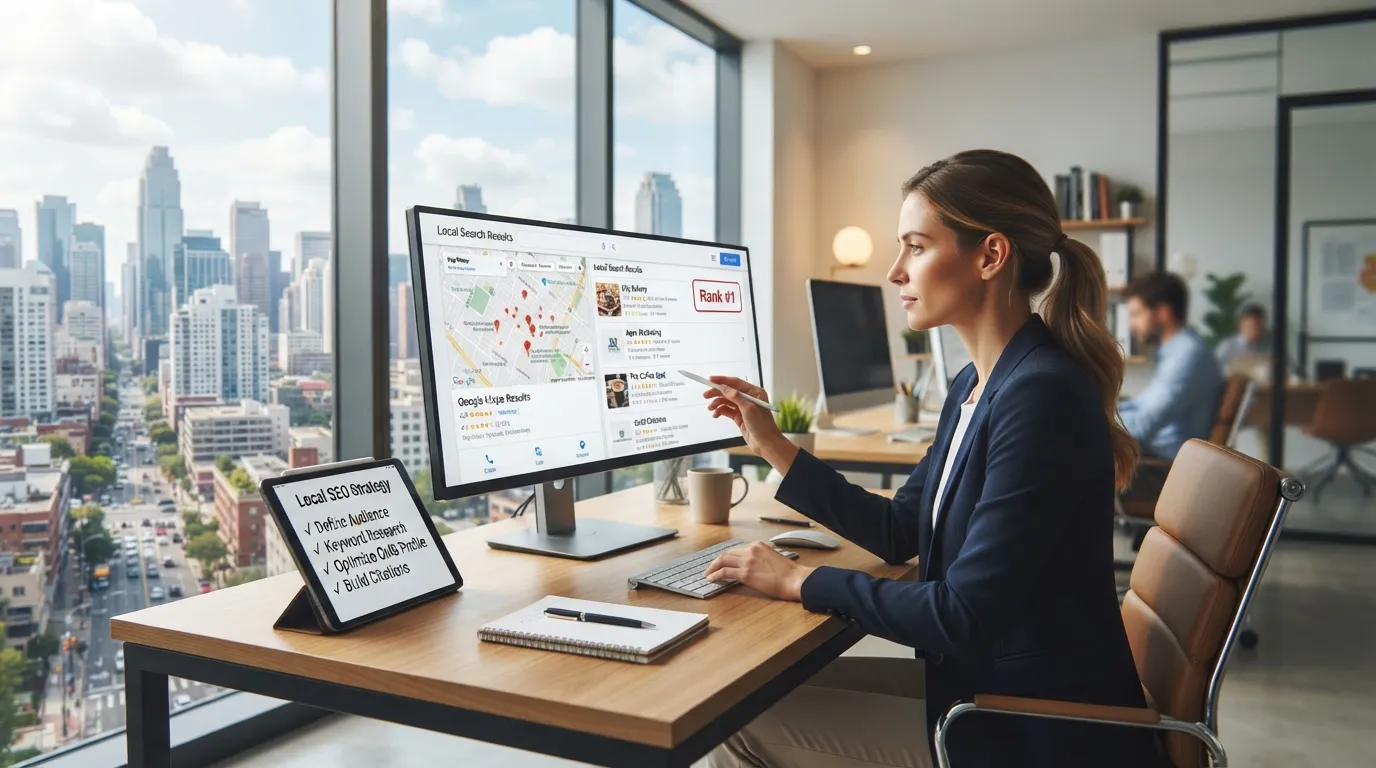
If someone searches “web designer near me” or “dentist in Minneapolis,” Google isn’t just looking at who has the nicest website. It’s checking dozens of local signals — and most small businesses are only handling two or three of them.
Here are the 10 steps that actually move the needle for local rankings in 2026, in the order they matter most.
1. Claim and Fully Complete Your Google Business Profile
This is the single highest-impact step on this list. An incomplete or unclaimed profile is the most common reason local businesses don’t show up in the map pack.
- Verify ownership of your Google Business Profile
- Add accurate business hours, including holiday hours
- Choose the most specific primary category available
- Add secondary categories that reflect your actual services
- Upload real photos (storefront, team, work samples) — not stock images
2. Keep Your NAP Consistent Everywhere
NAP stands for Name, Address, Phone number. If these details differ even slightly across your website, Google Business Profile, and directory listings, it weakens Google’s confidence in your location.
| Where to check | What to verify |
|---|---|
| Website footer | Matches Google Business Profile exactly |
| Google Business Profile | Matches legal business name and suite number |
| Yelp, Bing Places, Apple Maps | Same phone format, same address abbreviation |
| Facebook / Instagram bio | Consistent with all of the above |
3. Optimize for “Near Me” and Location-Based Keywords
Generic keywords (“web design services”) compete with the entire internet. Localized keywords compete with a much smaller, more winnable pool.
- Include your city/neighborhood in page titles and headers (e.g., “Web Design Services in Minneapolis”)
- Create separate pages for each service area if you serve multiple cities
- Use natural location phrases in your content — not just keyword-stuffed repetition
4. Build Local Citations on Trusted Directories
Citations are mentions of your business name, address, and phone number on other websites. They act as trust signals that reinforce your legitimacy to Google.
Priority directories to get listed on:
- Google Business Profile
- Bing Places
- Apple Maps
- Yelp
- Better Business Bureau
- Local Chamber of Commerce directory
- Industry-specific directories (e.g., Healthgrades for medical, Houzz for home services)
5. Collect and Respond to Google Reviews
Review count, recency, and rating all factor into local ranking — and responses signal that a business is active and engaged.
- Ask satisfied clients directly for a review right after a positive interaction
- Respond to every review, positive or negative, within a few days
- Never buy or fake reviews — Google actively penalizes this and it can get a listing suspended
6. Add Location Pages (If You Serve Multiple Areas)
A single homepage trying to rank for five different cities rarely works. Dedicated pages, each with unique content about that specific area, perform far better.
Each location page should include:
- The city/neighborhood name in the title and headers
- Unique content — not a copy-pasted template with the city name swapped
- Local landmarks, testimonials from clients in that area, or service specifics relevant to that location
7. Make Sure Your Site Is Mobile-Friendly and Fast
Most “near me” searches happen on a phone, often while someone is already out and deciding where to go next. A slow or clunky mobile site loses that visitor before they ever see your contact info.
- Test load speed on mobile specifically, not just desktop
- Confirm your phone number is tap-to-call
- Confirm your address links directly to Google Maps
8. Add Local Structured Data (Schema Markup)
Structured data helps Google understand your business details directly from your site’s code, which can improve how you appear in search results (star ratings, hours, address snippets).
- Add LocalBusiness schema to your homepage
- Include your business type, address, phone number, and hours in the markup
- Use a schema testing tool to confirm it’s implemented correctly
9. Publish Locally Relevant Content Regularly
A blog isn’t just for authority in general — locally-themed content signals to Google (and to visitors) that you’re active in your specific community.
Content ideas that support local SEO:
- “Best [industry] tips for Minneapolis businesses”
- Local event participation or sponsorships
- Case studies featuring local clients by name (with permission)
- Seasonal or region-specific advice relevant to your industry
10. Track Your Local Rankings and Adjust
Local SEO isn’t a one-time setup — rankings shift as competitors update their own listings and content.
- Check your Google Business Profile insights monthly (views, calls, direction requests)
- Track rankings for your 5–10 most important local keywords
- Revisit and refresh older location or service pages every few months
Quick Recap Checklist
- Google Business Profile fully claimed and completed
- NAP consistent across website, GBP, and directories
- Location-based keywords used naturally in titles and content
- Listed on at least 5–7 relevant directories
- Actively collecting and responding to reviews
- Dedicated pages for each service area (if applicable)
- Mobile-friendly, fast-loading site
- LocalBusiness schema implemented
- Publishing locally relevant content regularly
- Rankings tracked and reviewed monthly
Most small businesses handle two or three of these steps and wonder why they’re not showing up in the map pack. Working through all ten is what actually moves a listing from page three to the top of local results.
Want help implementing this without doing it all yourself? Schedule a free consultation and we’ll audit your current local SEO setup and show you exactly what’s missing.
Related services: